
Hello guys again. I’m back with another gaming mouse review. The mouse we have here on the review table is the Dainas Gaming Mouse by EasyPC’s gaming brand RAKK. I am excited for this review because we will see what our local brand has done with this mouse. This mouse is exclusively sold at EASYPC.
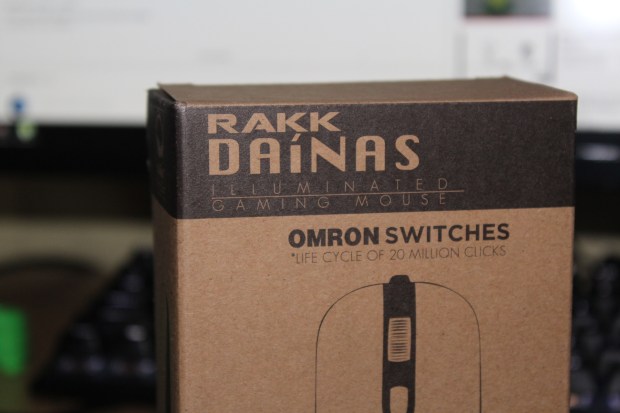
Lets start at the packaging. The mouse is house in a very minimal and plain box.
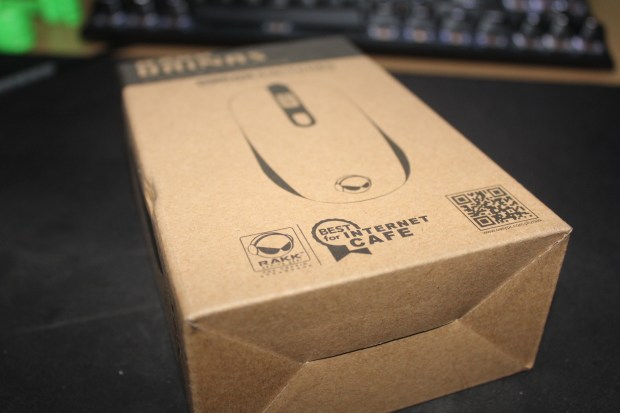
You can see the information about the mouse in the front and the back of the box. After opening it you can see the mouse is protected by this white plastic and it also includes a set of extra rubber feet incase your mouse’s feet are worn out.
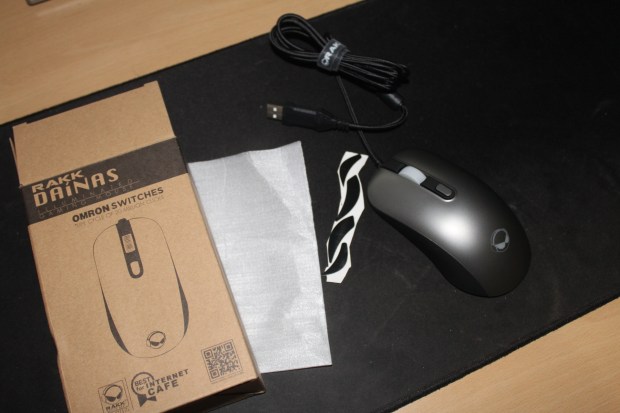
Lets go over at the mouse. It has a hard plastic with a smooth texture and grey finish. The sides has this rubber for gripping the mouse easily. The mouse has 4 buttons, The left and right click and the mouse wheel button and dpi button. Sadly the mouse has no extra buttons on the side which is a deal breaker for some. And this mouse is using the popular Japanese Omron Switches which most branded mice are using currently right now


The sensor on this mice is the Avago ADNS-3050. The sensor on this mouse is quite old and according on some forums it has a bit sluggish on tracking which is not good for some people like FPS players (depends) but for RTS/MOBA players i think this is a good mouse.


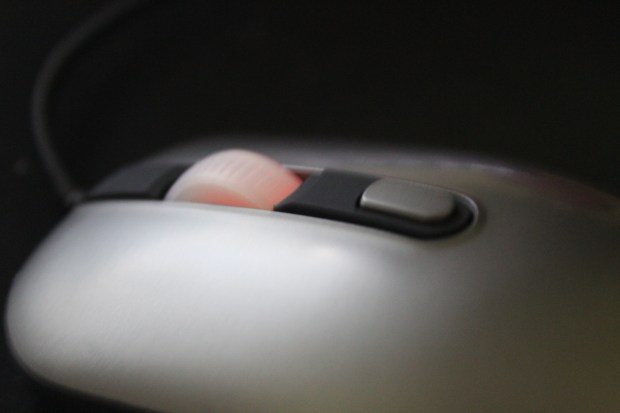
The scroll or mouse wheel is okay. It has distinct scroll steps. The buttons are satisfying and the dpi button is tactile which is very easy to reach.
The mouse also comes with a braided cable which i think are very stiff along with a velcro tie to properly cable manage the mouse.
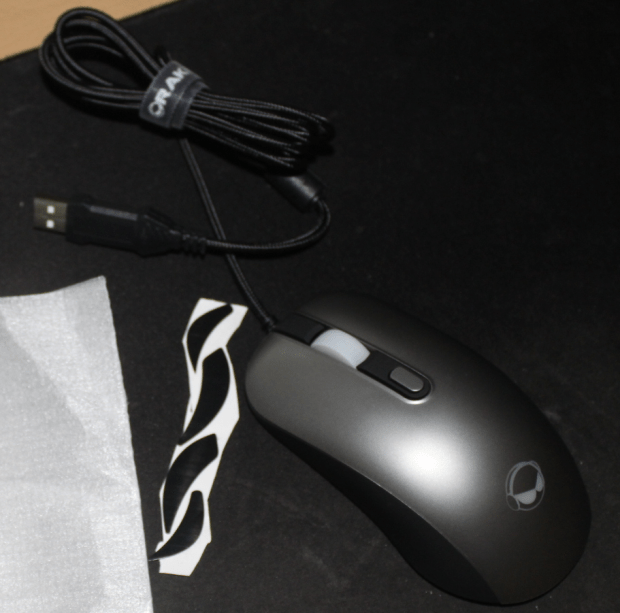
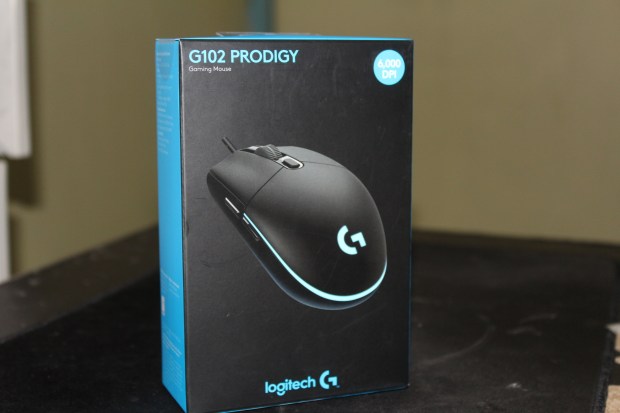
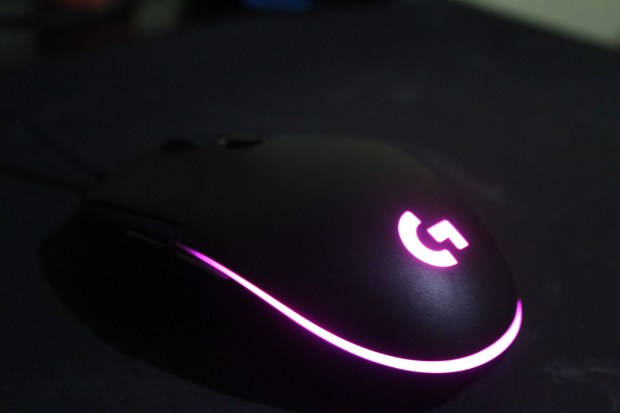
Performance of the mice is okay. It performs well in RTS games like DotA 2 and played a bit of Overwatch which is a fast paced FPS. After 10 mins of usage. This mouse isn’t design for me and the games that i play due no side buttons which i use for melee and PTT macro but the sensor does a good job while playing but i tend to go back to my G102 Prodigy to due the side buttons on it.


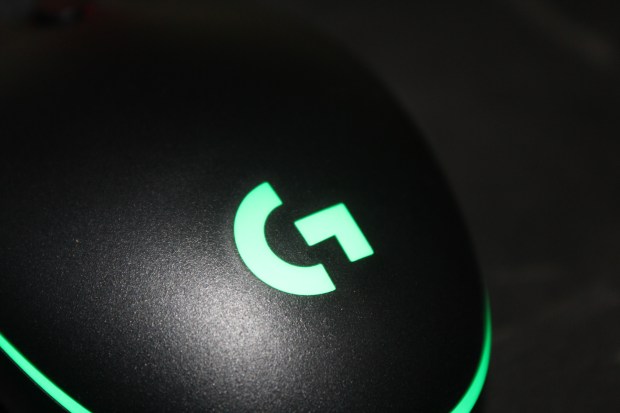
The software needs more work. When my brother use this on his pc. He experienced some dpi shifting with the mouse but after fixing something in the software. it became stable. You can reprogram buttons, do macros and tweak the mouse on the software. It is also RGB which kinda nice.


To sum up my review. This are my Pros and Cons.
Pros
- Price
- Shape
- Size
- Lightweight
Cons
- No side buttons
- Buggy software
- Quality (?, I heard a rattling noise when i shake the mouse maybe due the scroll wheel)
Final remarks:
The mouse is surprisingly good with a old but still good sensor. The price is also cheap and it has a safe shape and lightweight which is good for some gamers but i wished they just had it with side buttons and the software needs rework and tweaking. I dont see myself using the macro feature of the mouse due to no side buttons. I rather trade it for the RGB feature of it. If they release a new version of this with a better sensor (Maybe a 3310 which they teased before that they will use), with side buttons and different colors. I would see myself using one of those.


 genz0.tech.blog